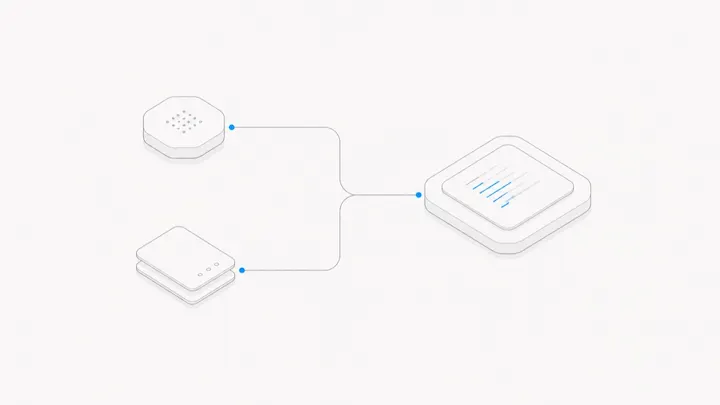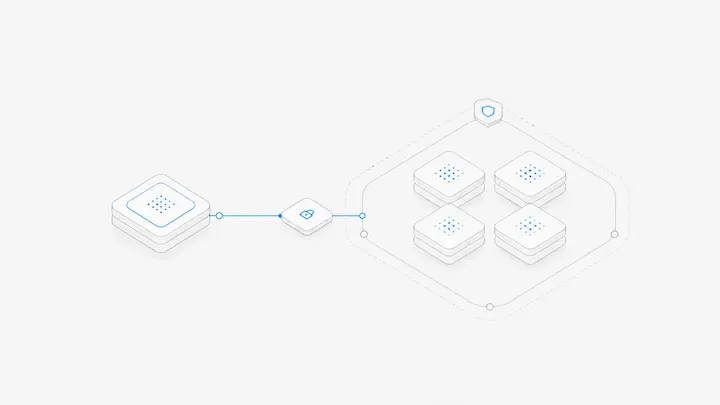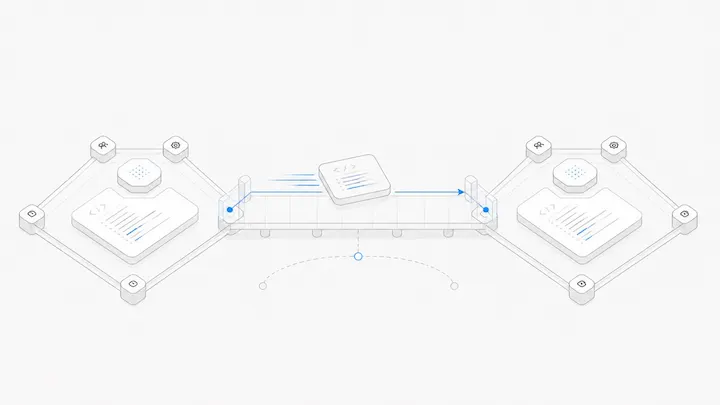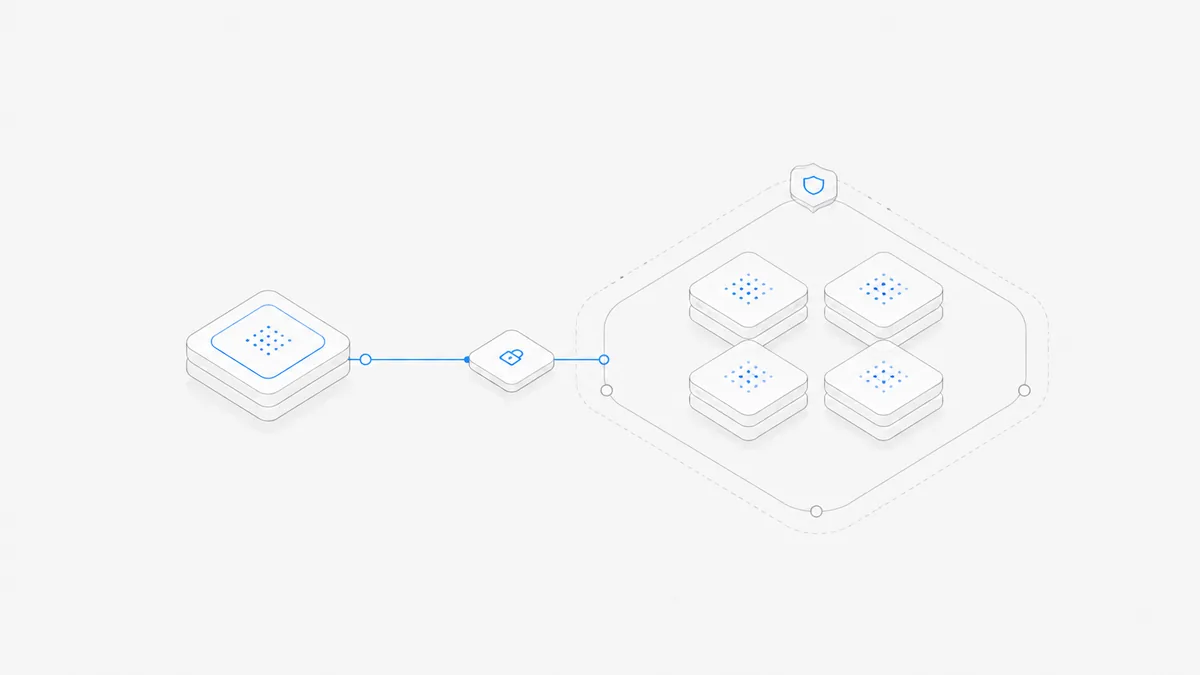
Claude Code Remote Control lets another device interact with a Claude Code session while execution stays on the original machine. It does not move the task into a cloud runtime, and it is not a complete remote desktop.
That distinction explains many setup failures. If you want to continue a coding conversation from another screen, Remote Control may fit. If you need to click a desktop application, or let a task run after its host shuts down, you are asking for a different capability.
Check eligibility before changing your setup
The official Remote Control documentation currently requires an eligible Claude subscription and Claude account login. API-key-only usage is not supported. Custom API endpoints and organization policy can also make this feature unavailable.
Do not remove an approved company gateway or switch billing identities just to make a command work. Establish which route you are using and whether its owner permits a change. The Claude Code pricing guide explains why subscription access and API billing are different decisions.
Start from a project you recognize
In an existing Claude Code session, use:
Review the consent prompt and use the provided session link on your other device. Keep the original host awake, connected, and running the Claude process. These are documented steps, not a report of a live authenticated test on your account.
Before continuing substantive work, send a harmless request to identify the project and summarize the current task. Verify that it refers to the intended files and conversation. This prevents a successful connection from being mistaken for a connection to the right environment.
Continue from Windows or a phone
Open the session link in the supported Claude web or mobile interface on the device you will use. Follow its sign-in flow and check the account. Do not install a second development environment merely to view the remote conversation.
Treat the first message as a connection check: ask for the current project and task status without edits. Compare the response with the host session. Then make one bounded request and inspect the result before continuing.
Switching the viewing device does not transfer files or move the running process. Closing the laptop that hosts Claude is different from closing a browser tab on a phone. Nor does a working conversation link give you a remote Mac desktop, a graphical login window, or automatic access to the host's development-server address.
Use the remote-control versus remote-desktop comparison when the task requires more than conversation input. We have not tested this flow on your phone or account.
Diagnose the symptom, not just the connection
Keep a redacted record of the message, time, client version, and project. Repeatedly reinstalling the client does not answer an account-policy question. Buying a plan does not repair a sleeping host. Do not paste session links, credentials, or private transcripts into public troubleshooting requests.
Remote Control is not Remote Screen
A conversation interface helps you guide an agent. A remote desktop helps you operate applications yourself. For example, asking Claude to inspect a test failure is different from opening a graphical app to review its layout.
Macshop's Remote Screen is the second kind of tool for supported Macs. It is not a way to unlock Anthropic's Remote Control eligibility. Likewise, Claude Code on Macshop describes a separate product route, not an official Claude account entitlement.
Decide who keeps the execution machine available
When you leave your desk, identify whether you are disconnecting the controller or the host. Those have different consequences. Saved conversation history does not establish that a job continued while the host was asleep; the session-persistence guide explains what must be checked.
If you need a separate execution machine, compare your own always-available Mac with a managed workspace or Dedicated Mac. Make that choice on tool requirements, maintenance, and billing—not on the expectation that a remote-control button can keep a powered-off computer working.
If you want an Macshop interface for a Mac you already use, follow the local-Agent connection instructions, then open the intended Workspace and verify the selected computer, folder, and Agent with a read-only task. This is a separate Macshop workflow, not a way to enable an unavailable official Remote Control feature.