No need to memorize these all at once. When you run into one you don’t know, look that one up; every explanation ties back to the Weekend Walking Club invitation page.
Agent
Short for AI agent: an AI system that works toward a goal by using tools, checking the results, and keeping the task moving. For example, when you ask it to make an invitation webpage, it creates the file, checks the content, then makes changes based on your feedback. What it can actually do depends on the model, Harness, tools, and environment; memory and Skills can help it work even better. Meet AI Agents.
Model
The engine that processes context, understands requests, and generates content or suggested actions. For example, it turns “keep the tone light” into new invitation copy. Specific versions of GPT and Claude belong here. See how it splits the work with the Harness.
Harness
Software that organizes the model, context, tools, permissions, and how things run. For example, it keeps reading the invitation page, making the edit, and sending back the result happening one after another. Codex and Claude Code are the Agent products and Harness entry points this tutorial uses. Understand models and Harnesses.
Tool
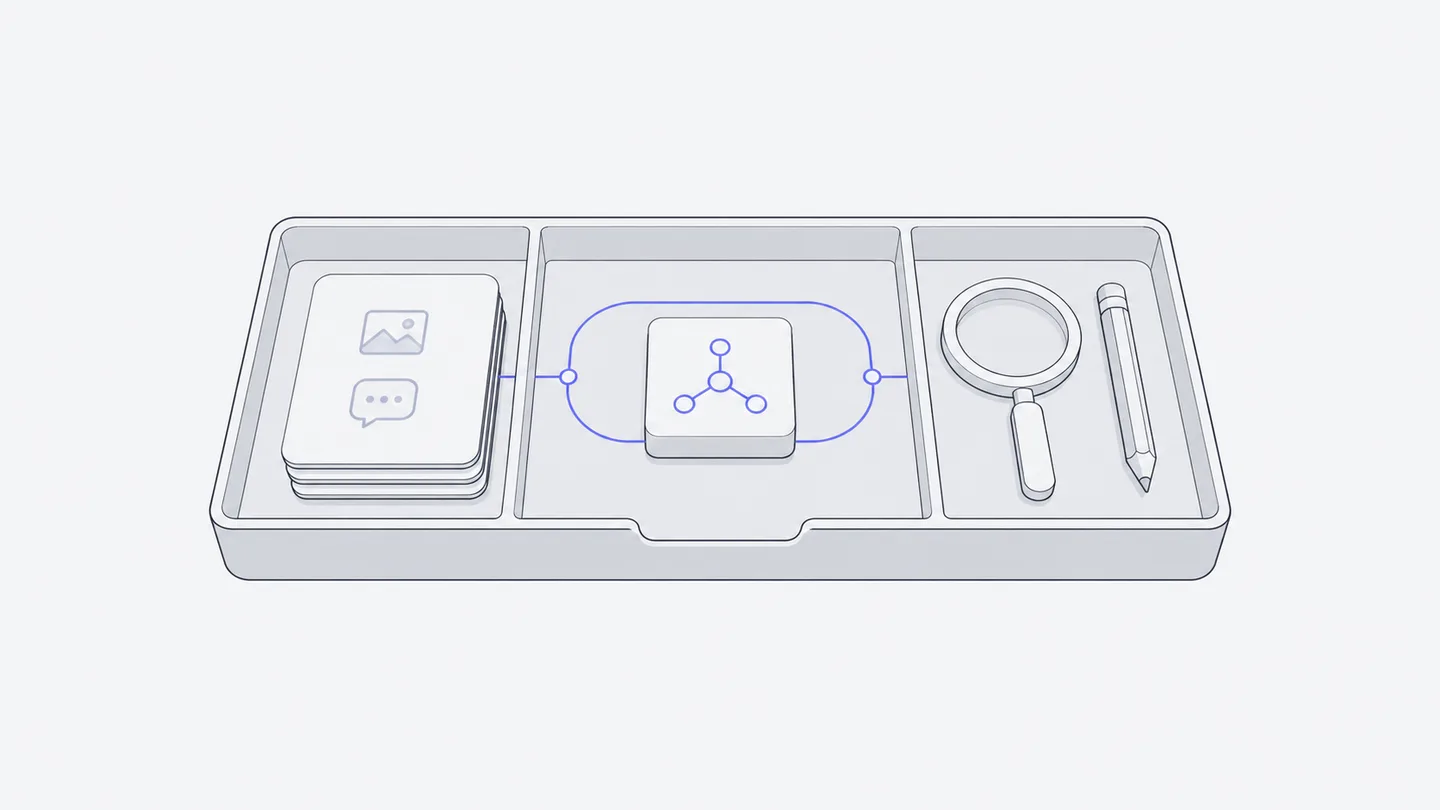
An interface that lets the Agent perform one specific action. For example, a tool that reads index.html returns the file’s contents; an editing tool changes the meeting time. Just because the model proposes an action doesn’t mean the matching tool is available. See how tools take part in a task.
Prompt
The input or task request you give an Agent. For example, “Move the meeting time under the heading and keep everything else.” A clear goal, materials, and a way to check the result help it understand you better than a string of mysterious keywords. Copy the task for your first webpage.
Context
The information the model can see while handling the current task. For example, the event plans you just gave, the webpage content it has already read, and the results tools sent back. Just because a history exists doesn’t mean all of it is visible right now. See how context differs from memory.
Memory
Information that’s saved so later tasks can use it again. For example, write the confirmed event plans into a project note, then have the Agent read that note first next time before editing the webpage. How things get saved and read back automatically varies by product, and you also need to check whether the content still holds. See how to leave memory and experience behind.
Skill
Instructions and supporting materials an Agent uses for related tasks; you’ll usually see them called Skills. For example, an event page handbook that says to confirm the time and place first, then build the page, and finally check the phone layout; it can also come with templates or small programs. A Skill provides the method; the actual actions still rely on tools. Meet the how-to handbook.
Plugin
A package of capabilities organized around a use case, which can include Skills and tools for external services. Discover and manage complete plugins from “Plugins” in the sidebar; advanced options support resources such as standalone Skills. Installation still requires checking connections, authorization, and Agent harness compatibility. It does not automatically give every conversation all data. Learn about Plugins.
Workspace
A project space that brings together members, files, Agents, and Sessions, and provides an environment to run things in when needed. The Weekend Walking Club is a Workspace. You and your friends can each call on Agents inside it and work together on the same invitation page. Meet the cloud Workspace, or try working together.
Session
An ongoing conversation with an Agent. In the same Workspace, members with edit access can keep sending requests in the same Session, or call on Agents separately in different Sessions. Switching Harnesses takes a new Session, along with a clear handoff of the background it needs; sharing files doesn’t mean all Agent context is shared automatically. Learn how to talk it over and split up the work.
Token
One of the units used to measure text and other content processed by a model, not a one-to-one equivalent of a word or character. Reading, generating replies, and repeated calls can all contribute to usage. Models supplied by Macshop normally use the Workspace Owner’s plan or credits. Custom model APIs and local subscription entries have separate billing sources; the computer running the task does not tell you which applies. See Models and usage.
Preview
A way to view a file's contents directly in the workspace. Open a file from “Files” in the sidebar or from a file card in a response to see its current saved content; an HTML file is shown as a webpage, and you can also inspect its source. Previews are open only to authorized Workspace members and are not public sharing; to hand a result to someone outside the workspace, download the file. Open your first webpage file.