One friend says Codex is great. Another says they use Claude Code every day. You search around and run into GPT, Claude, and a string of version numbers. You haven’t even learned all the names yet, and your webpage is already running behind schedule.
Let’s start by sorting these business cards into the right piles. You can get to know them without crowning a champion first.

Meet Codex
Codex is OpenAI’s Agent product. When it works with code and files, it can read and edit files, run commands, and check the results. You describe what you want, and it uses tools to move the task forward.
It comes in several forms, such as a command-line tool, an editor extension, and an app. Each one looks different, and which features you get depends on the specific product and environment. OpenAI’s official Harness write-up explains how the different ways into Codex relate to the execution software underneath.
In this tutorial, “choosing Codex” means choosing this Agent as your entry point. The model is a separate setting, which we’ll get to next. Some model names include the word Codex, too, so when you see a full name, notice whether it’s showing up as a product entry point or in a model list.
Meet Claude Code
Claude Code is Anthropic’s Agent product. It can work with project files, write code, and run related checks based on requests in plain language. The “Code” in the name tells you it grew up around programming, but you don’t have to know how to code to use it.
You can ask it to make an invitation page, or have it explain some existing files first. What it can actually do still depends on the tools and permissions the current entry point provides. For the different entry points and what each can do, the official Claude Code docs have the final word.
The easiest mix-up here is Claude vs. Claude Code. The first can mean the Claude family of models, or the chat product. The second is the name of an Agent product. When someone says “I’m using Claude,” you often need a peek at their screen to know which one they mean.
One table to put each name in its place
When you create a conversation in Macshop, the available Agents depend on the runtime, connected computers, and installed capabilities. Card labels are brief descriptions, not a ranking. Distinguish the execution entry point from the model, then check the currently available choices. See Your first project for the steps.
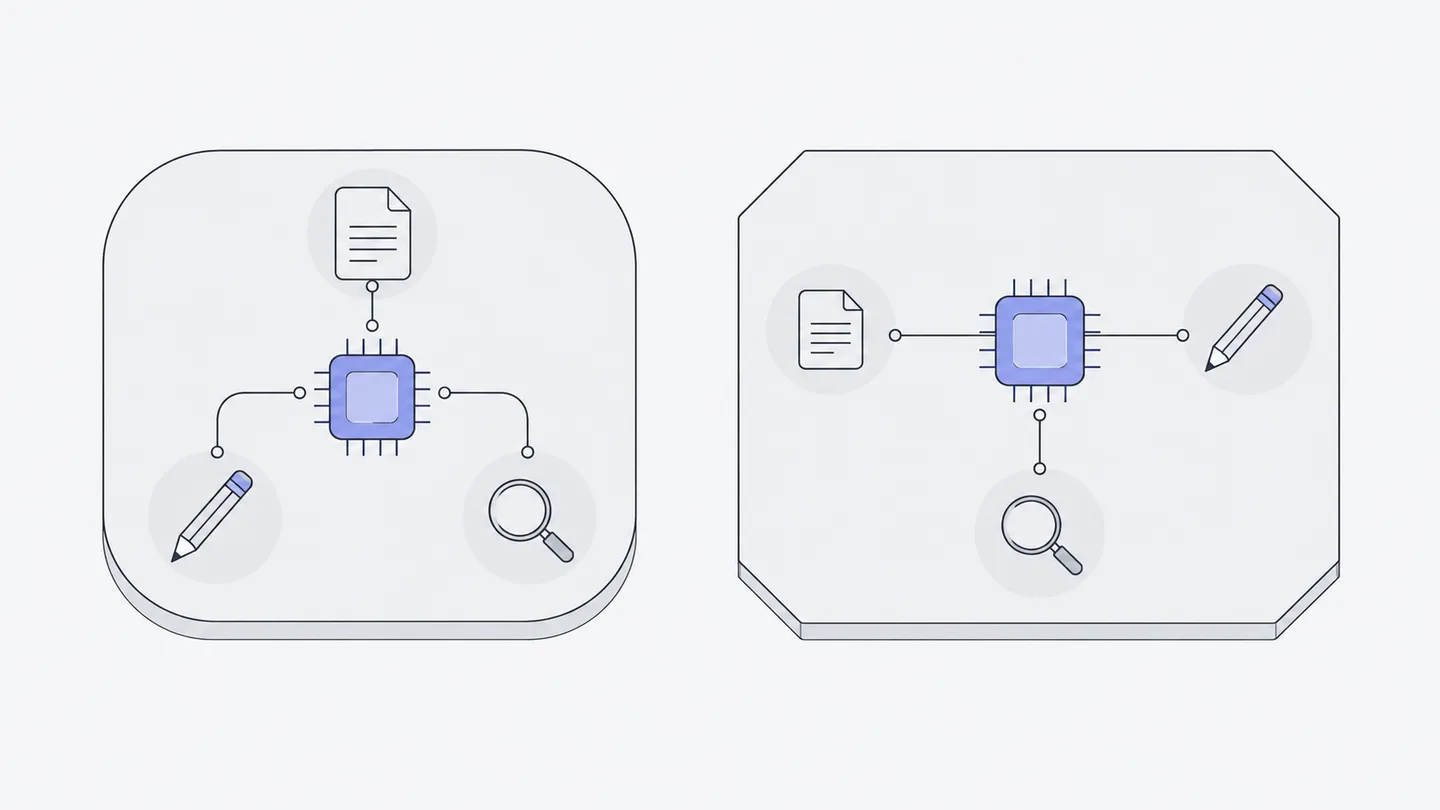
So which one first?
For this simple invitation, start with an available Codex entry or an Agent you know. With Macshop models, choose a compatible model near the input box and check your available usage. An entry marked as using a local subscription follows that entry’s account and configuration. Test the combination with one clear, small task.
There’s no need to give products fixed personalities, like one that “only writes code” and another that’s “born with better taste.” What you get also depends on your request, the model, the context, and the tools. A more direct test: Does the page open? Is all the info there? When you ask for a change, does it hit the mark?
Also, don’t assume a subscription to one product automatically lets you use another. To see which models and how much usage you have on Macshop, check what its own screens say.
What changes with a different entry point
If you install an Agent on your computer, its files and programs usually live there. Macshop can organize work on a cloud computer and also offers ways to connect your own. Check the chosen runtime and working location before deciding where files are stored and which computer needs to be online.
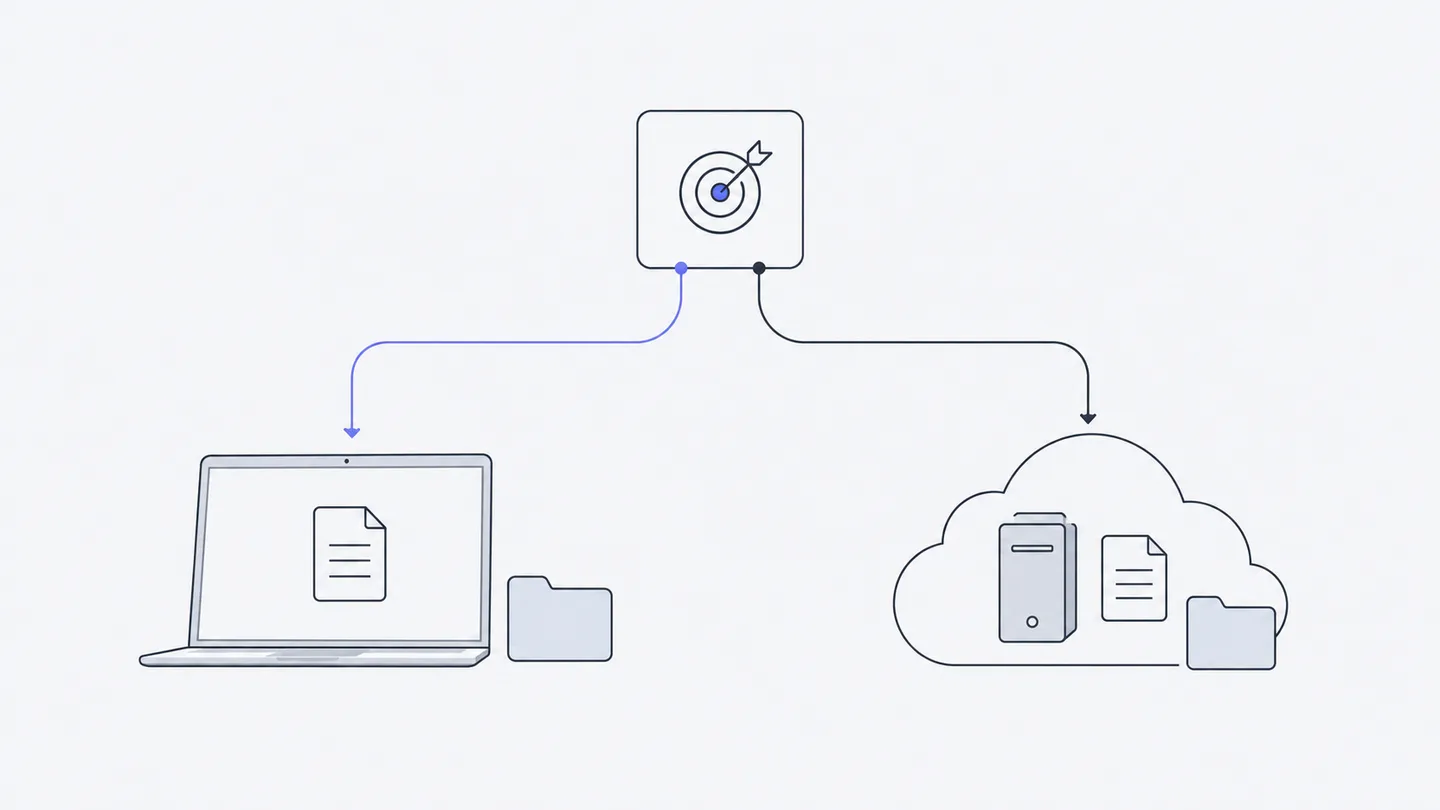
Local Agents offered by a connected computer appear as conversation choices when available, with the relevant computer or subscription owner identified. These entries use the Agent account signed in on that computer and, as the interface explains, do not spend Macshop credits. Do not extend that rule to every task that runs on your own computer. Execution location and model billing source are separate choices; see Cloud and personal computers and Models and usage.
That’s also why our next stop is the “Cloud computer.” Once you’ve picked an Agent that can do the work, you still need to know where it works, and where the finished work ends up.
For a more detailed comparison, read how Codex and Claude Code differ in practice. For now, let’s get the place ready where the invitation page will be built.